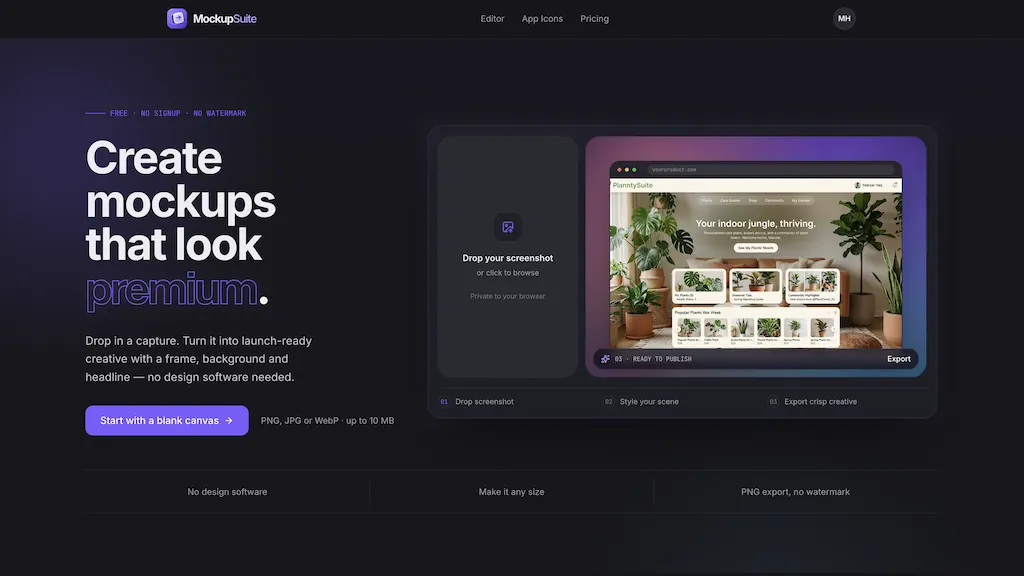
Create
mockups
that look premium.
Drop in a capture. Turn it into launch-ready creative with a frame, background and headline — no design software needed.
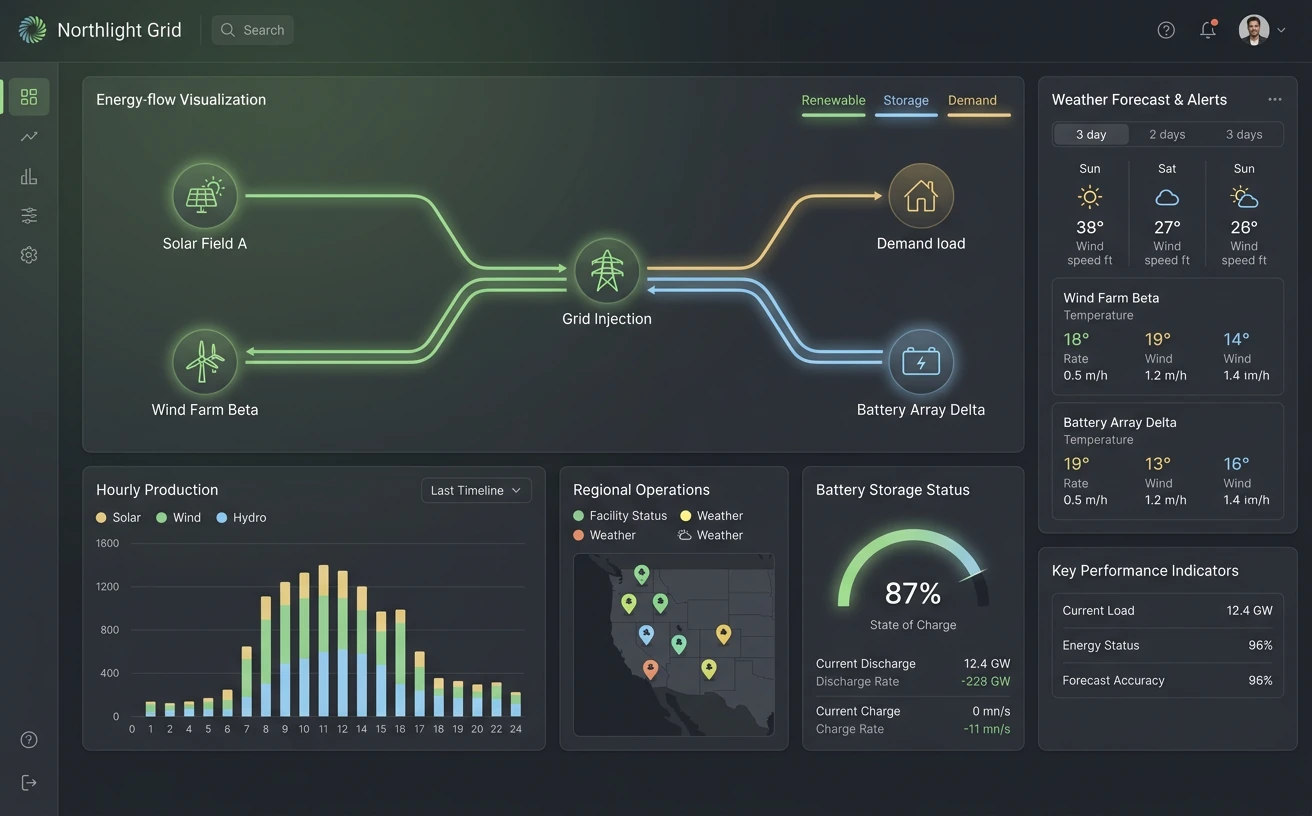
- 01Drop screenshot
- 02Style your scene
- 03Export crisp creative
Frame gallery
Device & browser frames
Browser chrome, real devices, and clean borders — staged together so every treatment earns its place.
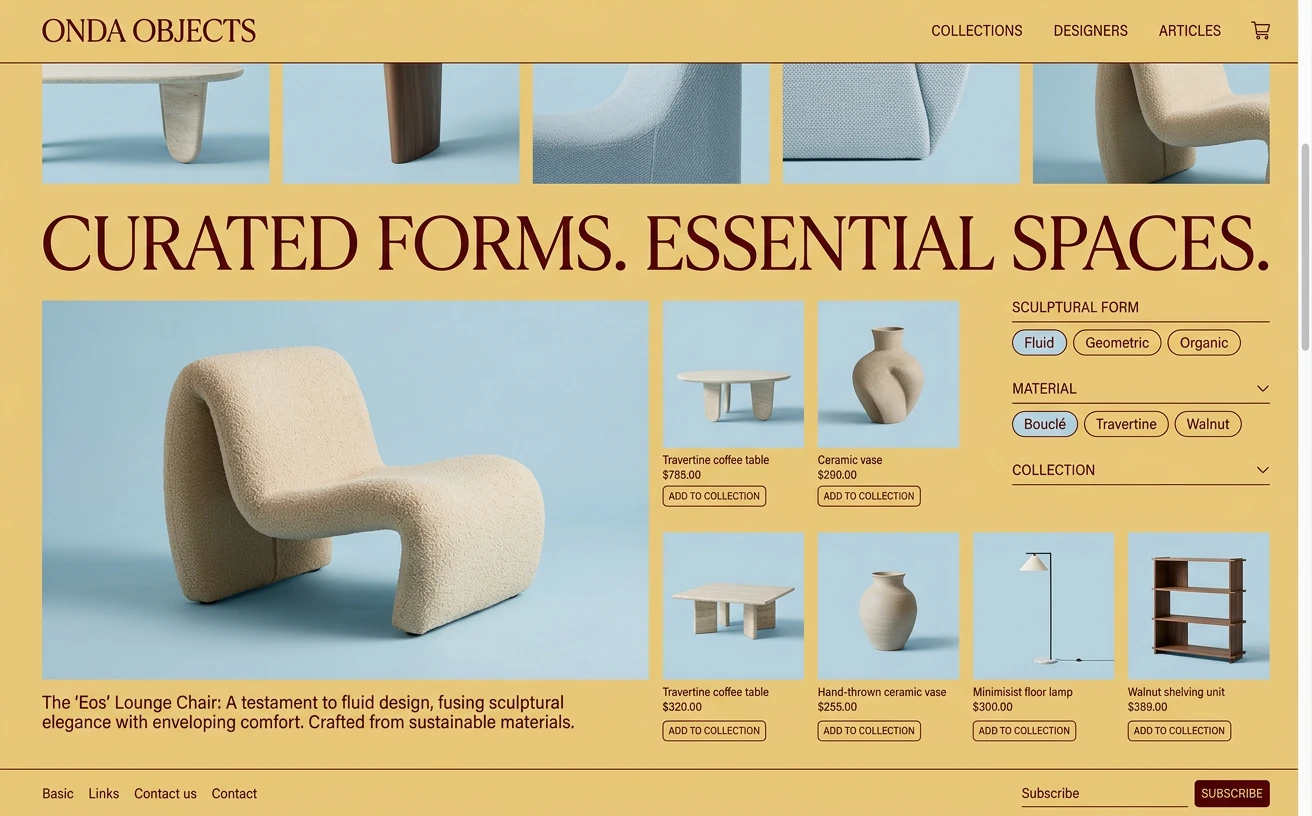
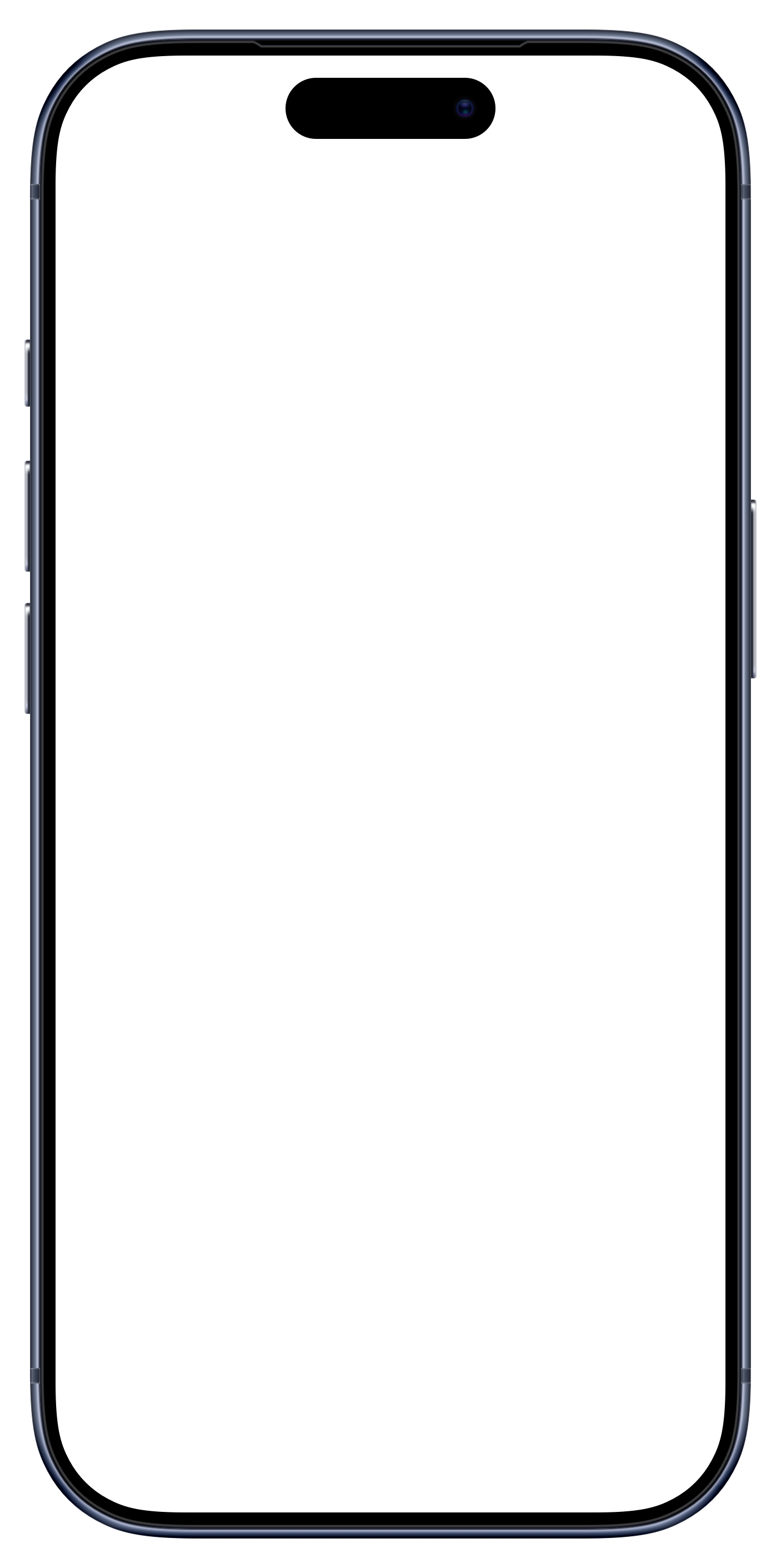
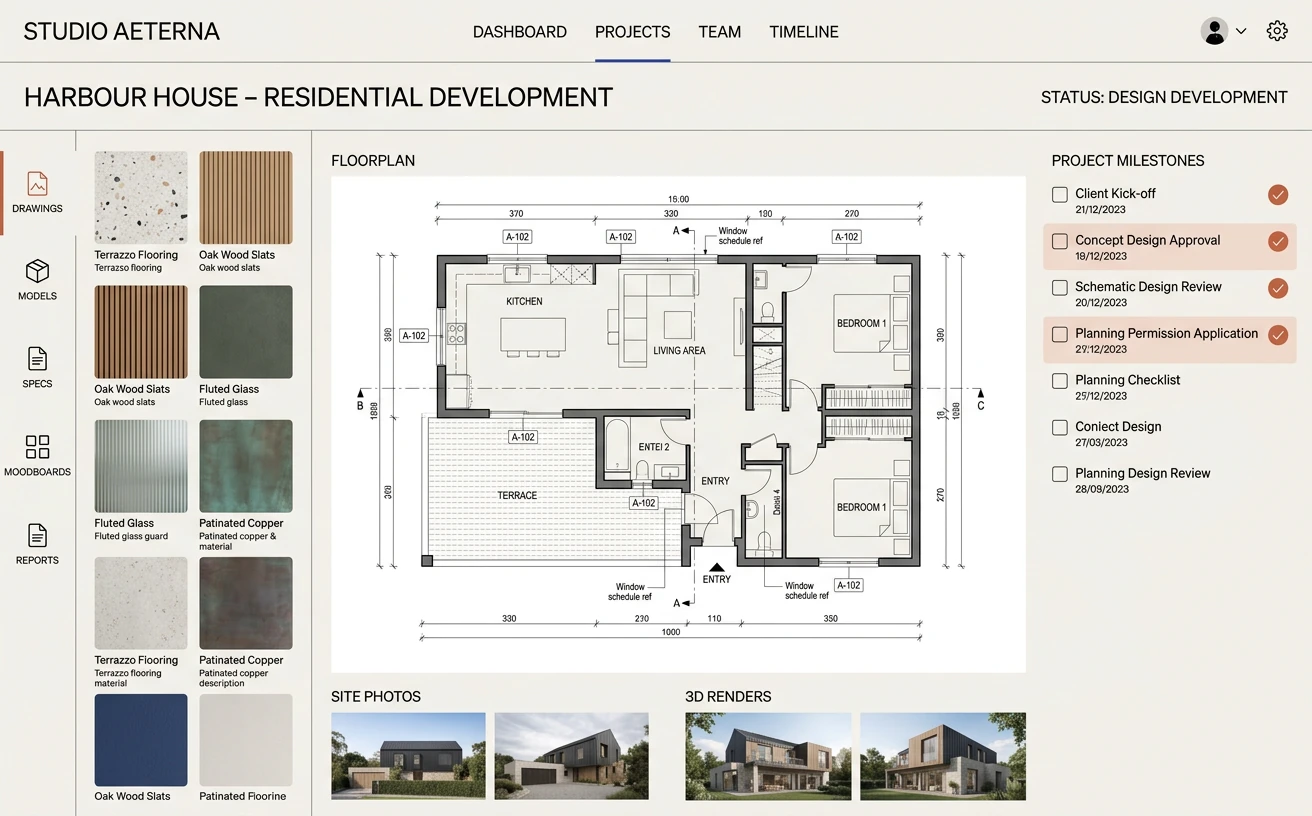
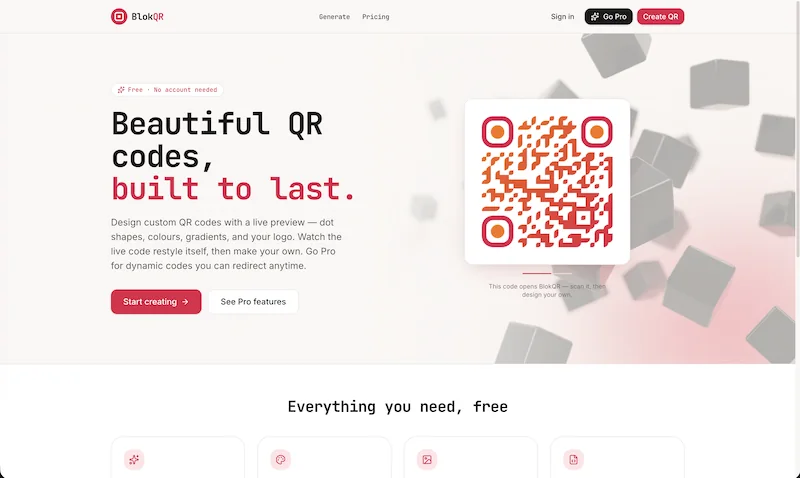
Composition
Multi-layer canvas
Build one polished composition from multiple screens. Arrange, align, and layer every device independently.
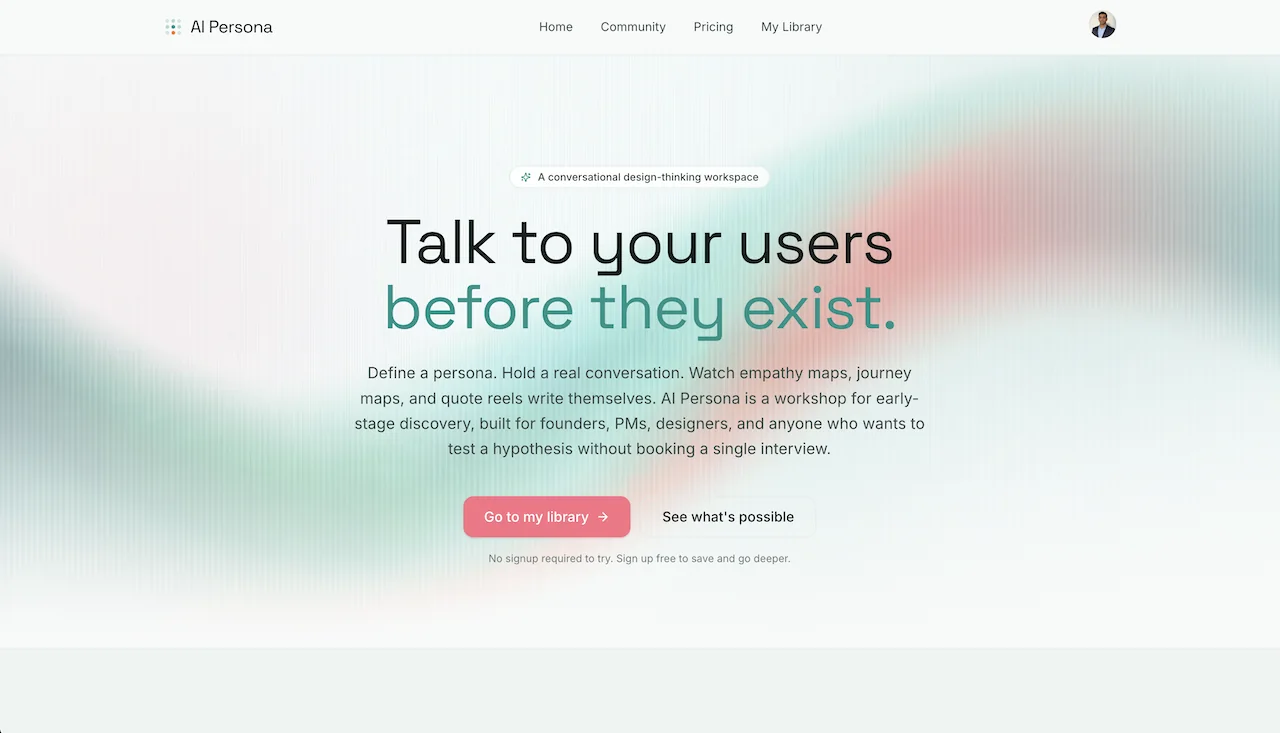
Create with AI
ProAI that sets the scene.
Describe the atmosphere you want, shape the prompt, and generate a backdrop with character.
Gorgeous backgrounds
Colour, mesh, texture and patterns for a backdrop with real character.
Gradients
Mesh
Patterns
Headlines, captions & badges
Font, size, weight, colour and badges for App Store listings and hero shots.
Crisp exports
Full-quality PNG, JPG & WebP export up to 4×. No watermark — ever.
Made to move
Save, revisit, share
Keep work organised in your Library, then hand off a clean link when it is ready to be seen.
3D perspective tilt
Real perspective rotation per layer. Dynamic hero shots in seconds.
App icon sets
Upload once. Get every required icon size in one ZIP.
Web · macOS
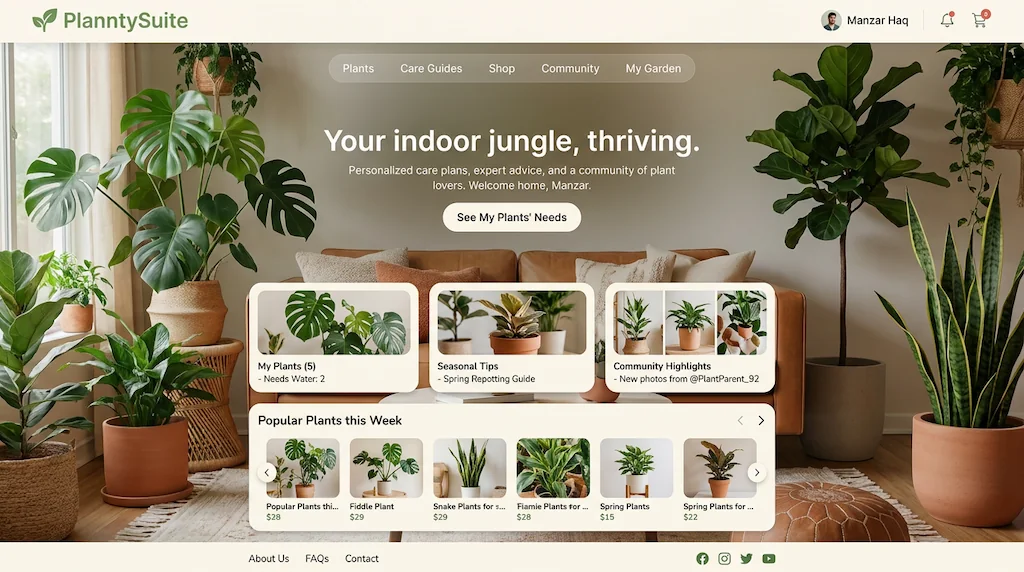
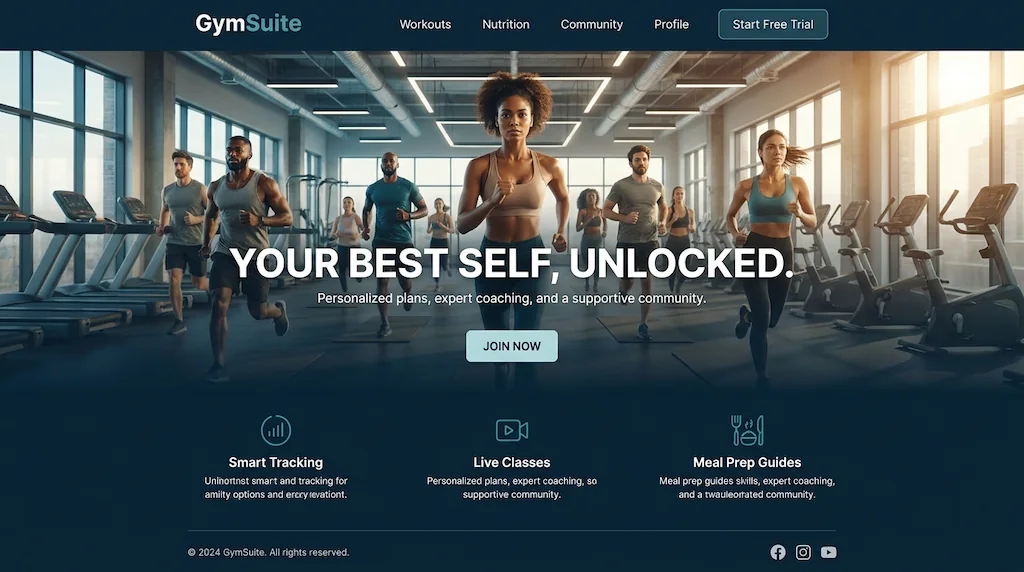
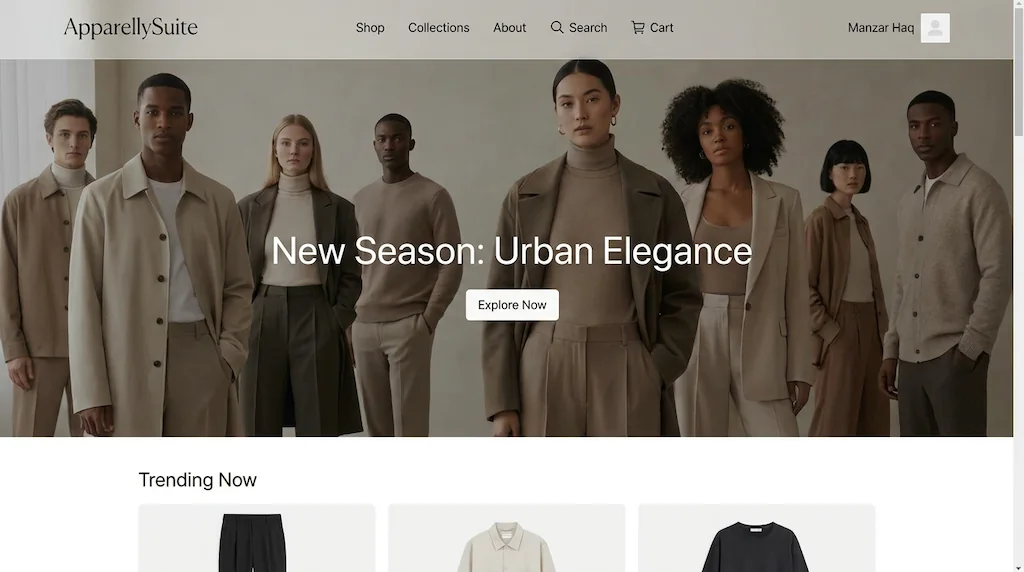
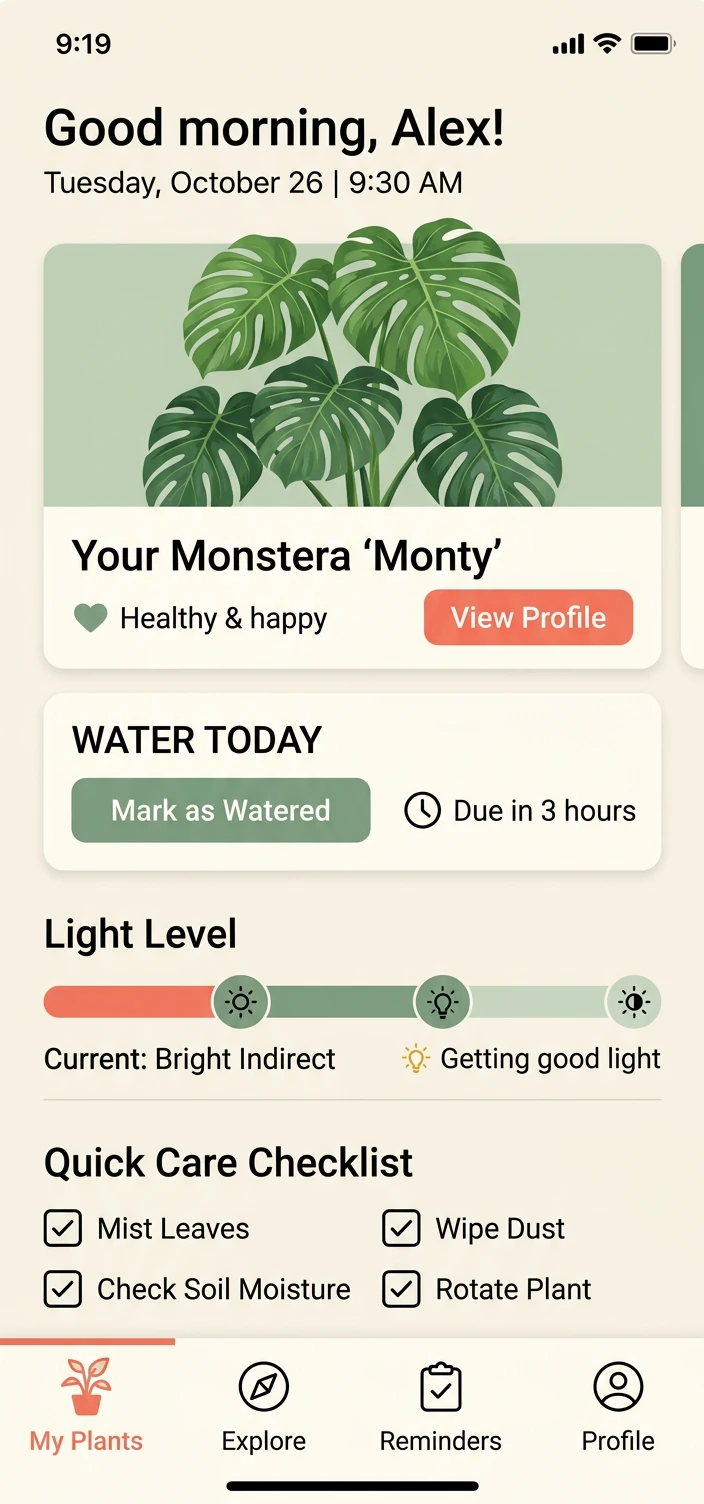
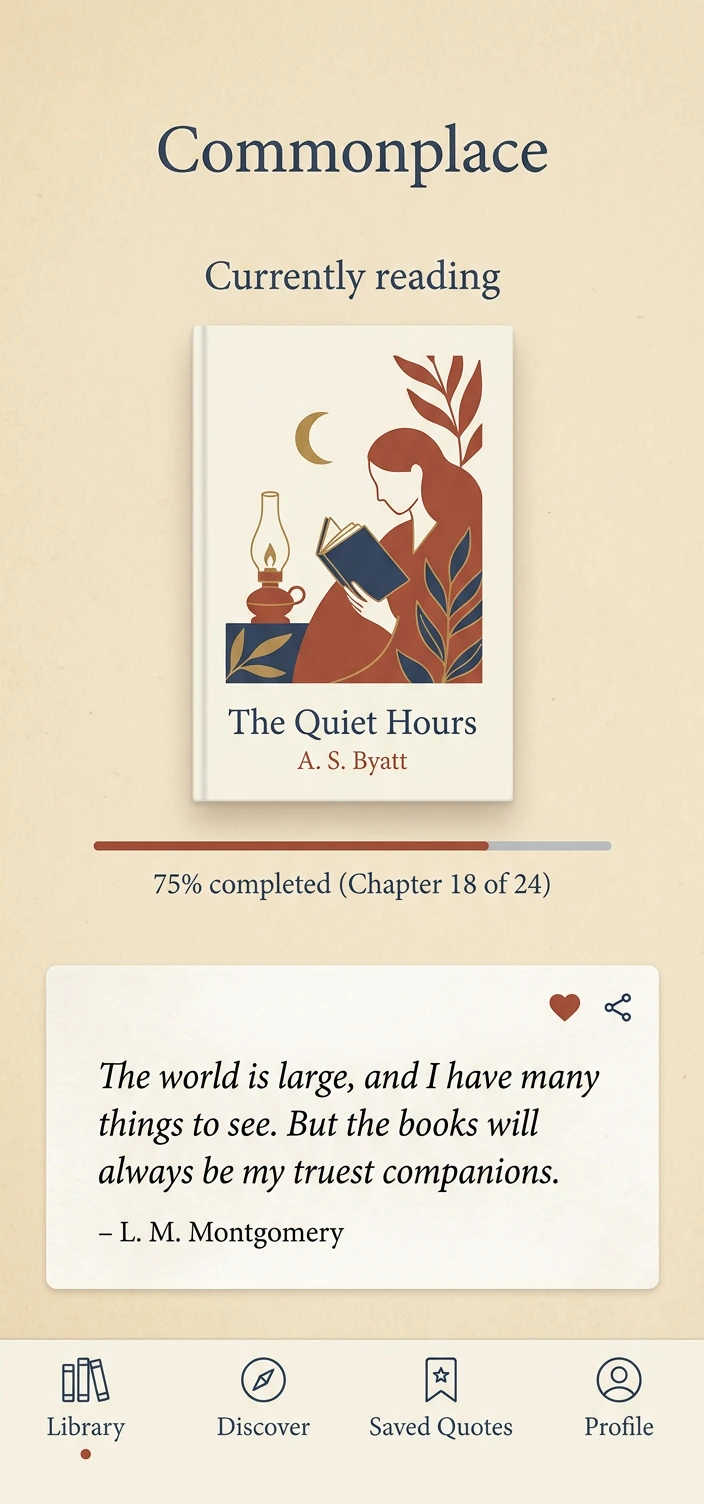
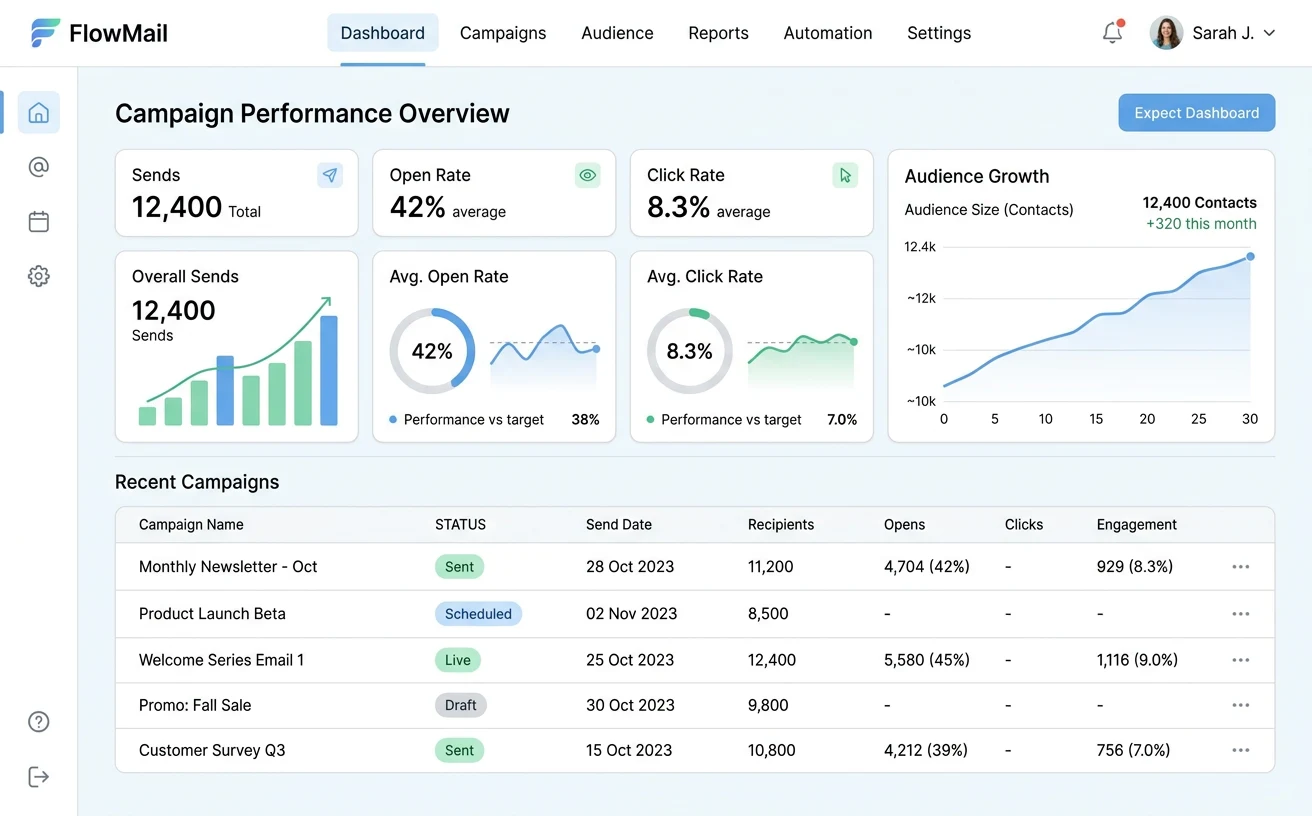
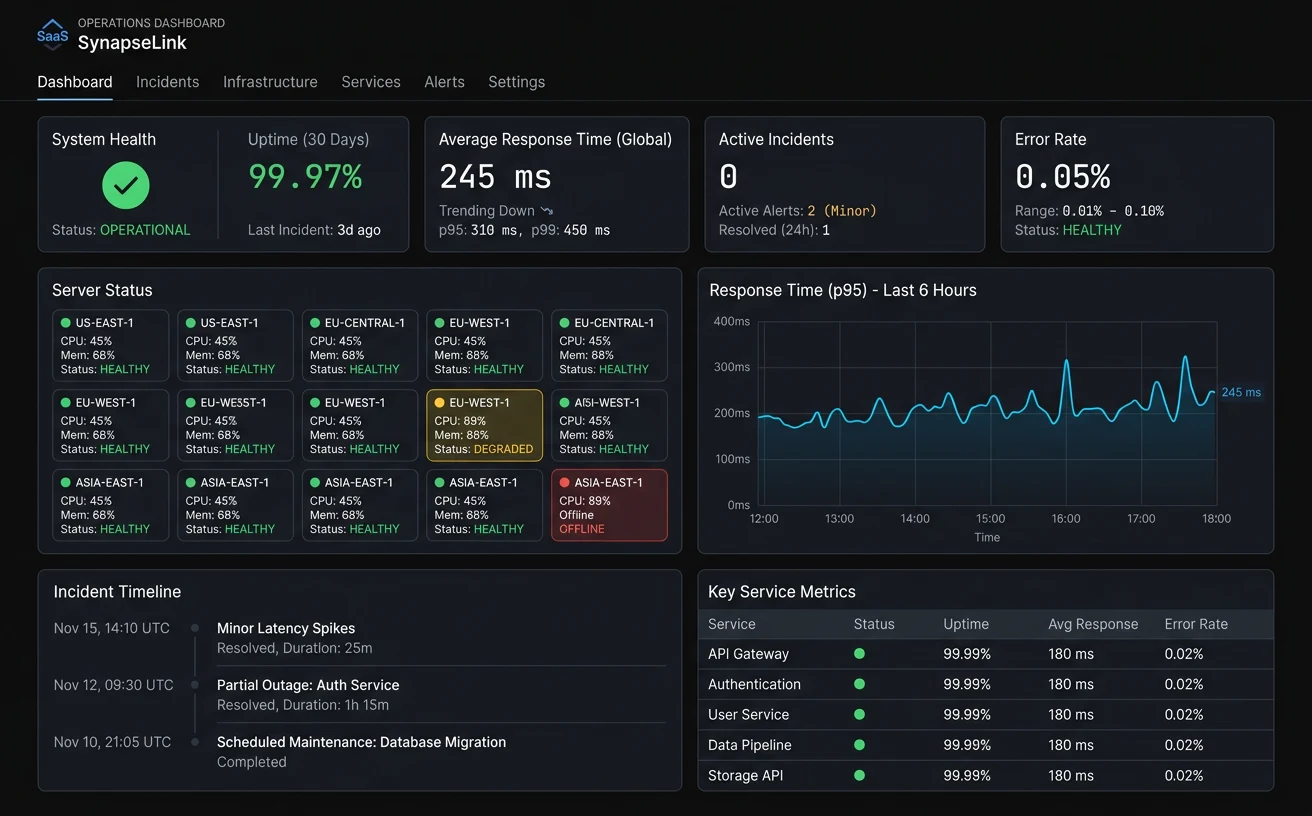
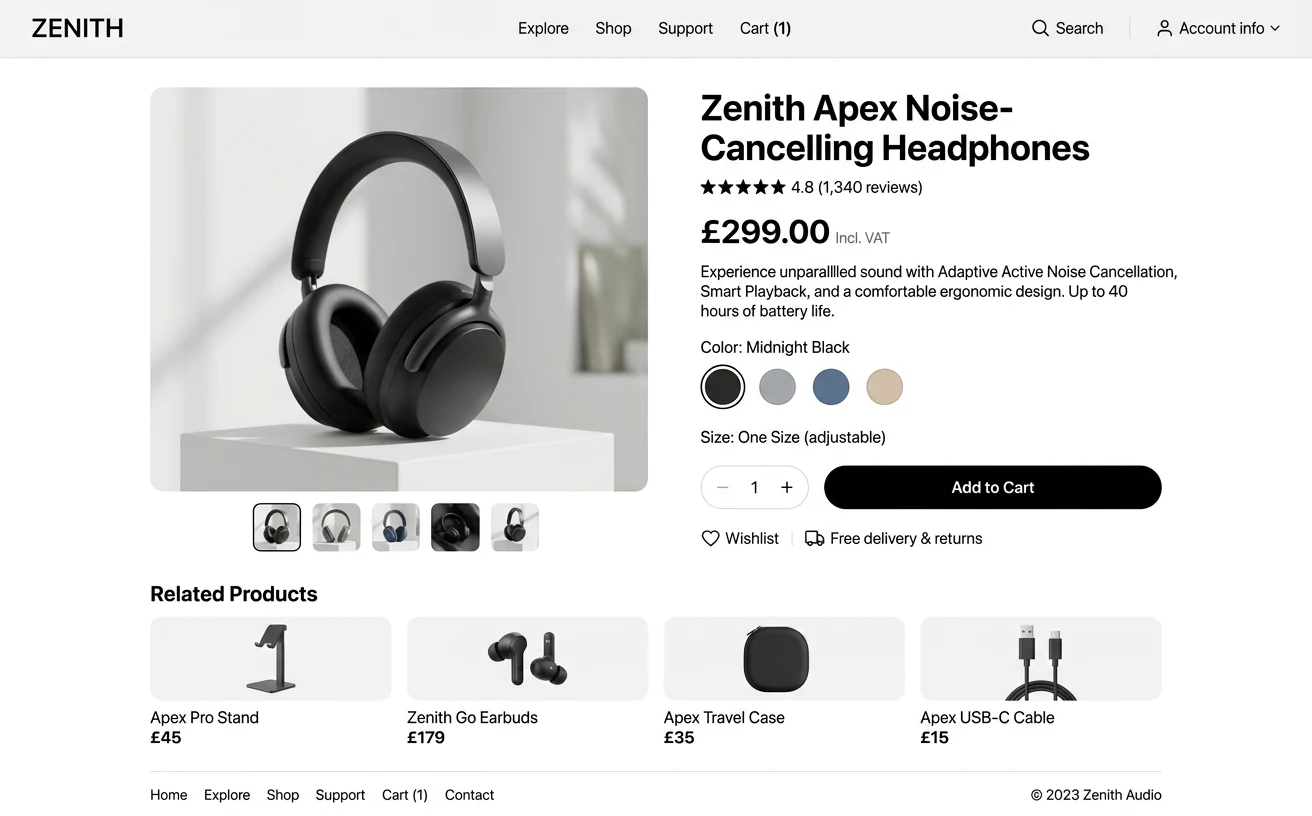
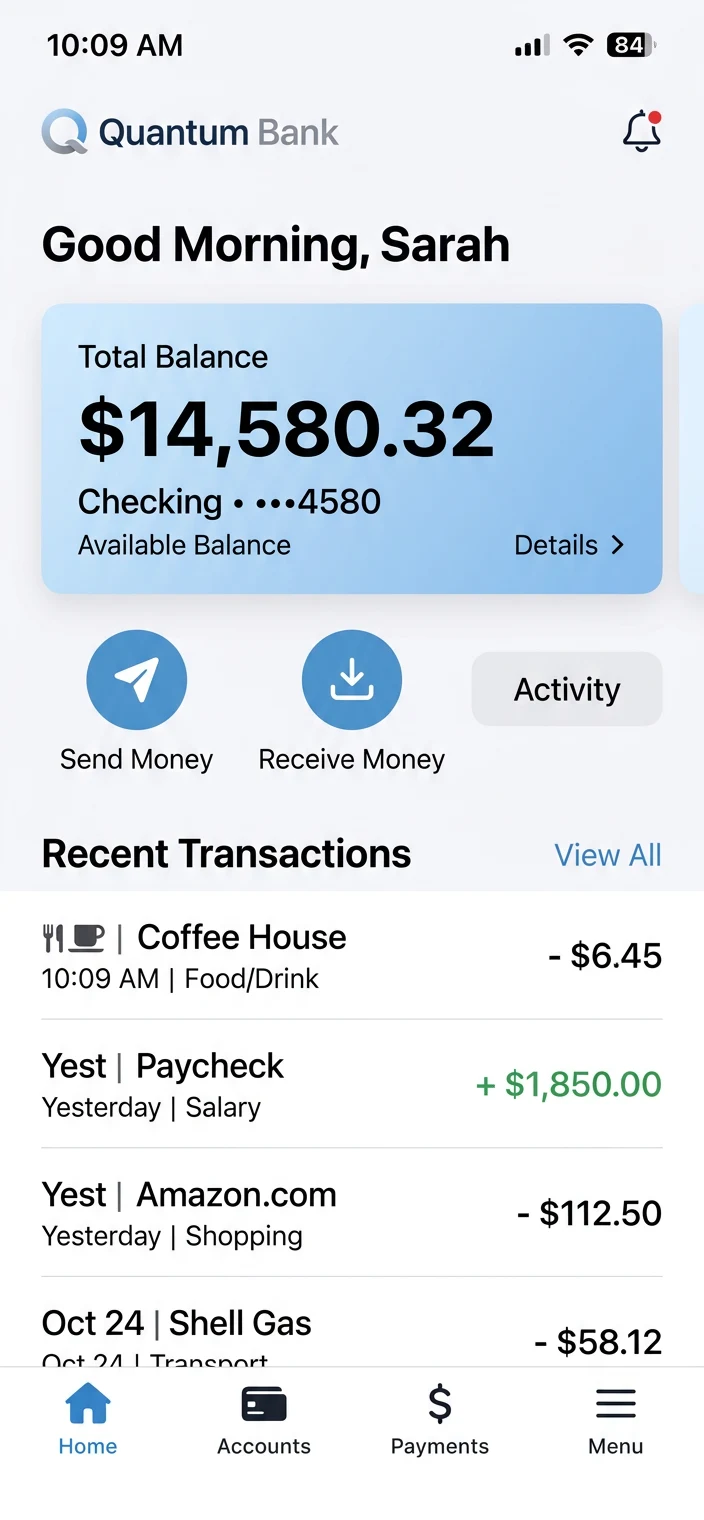
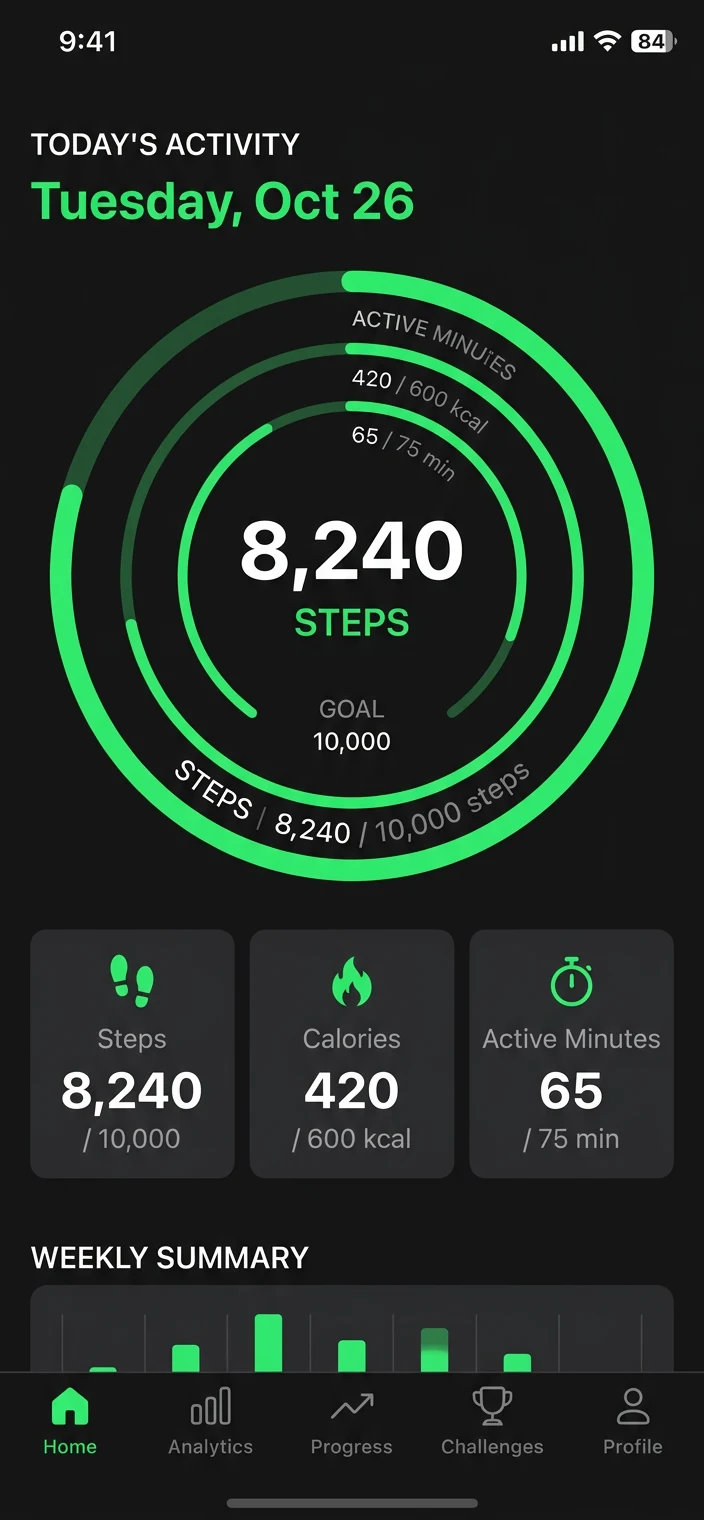
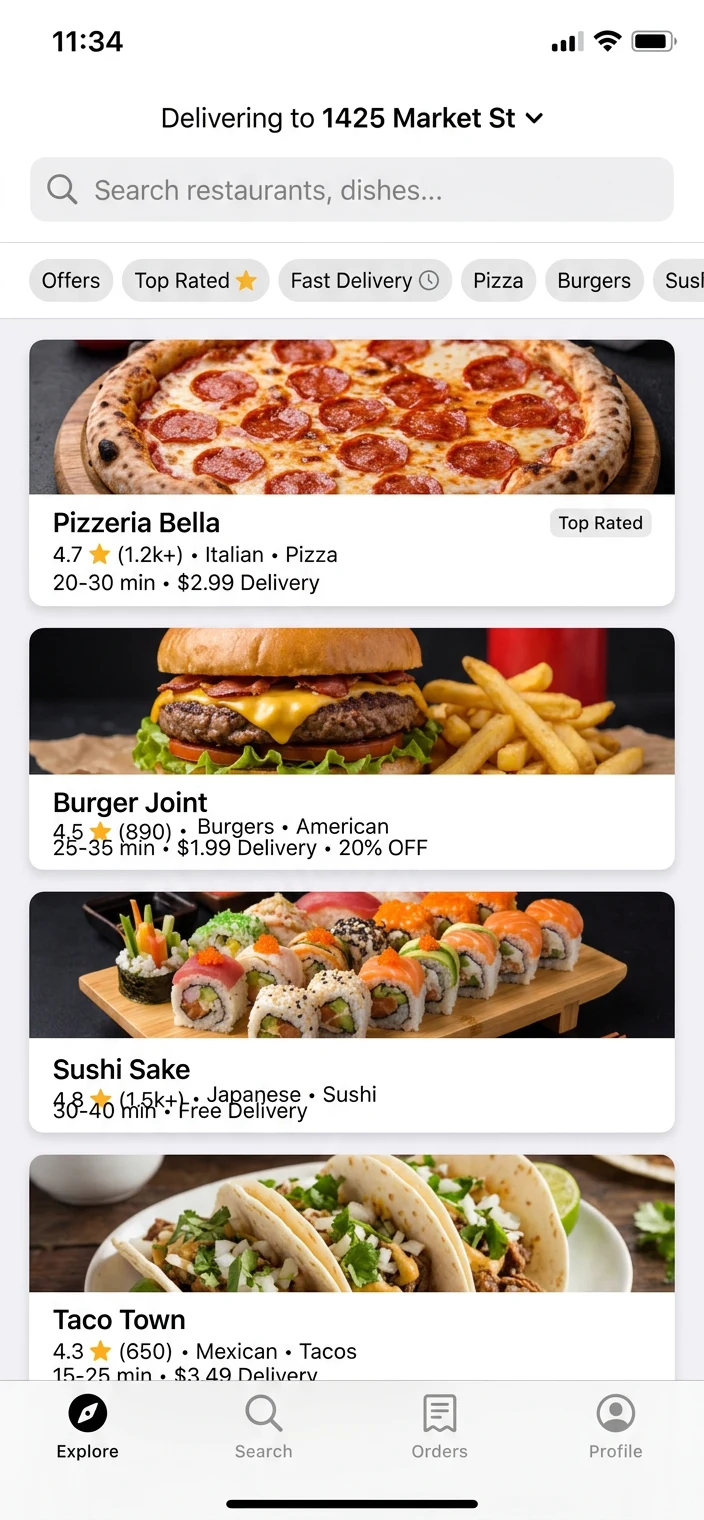
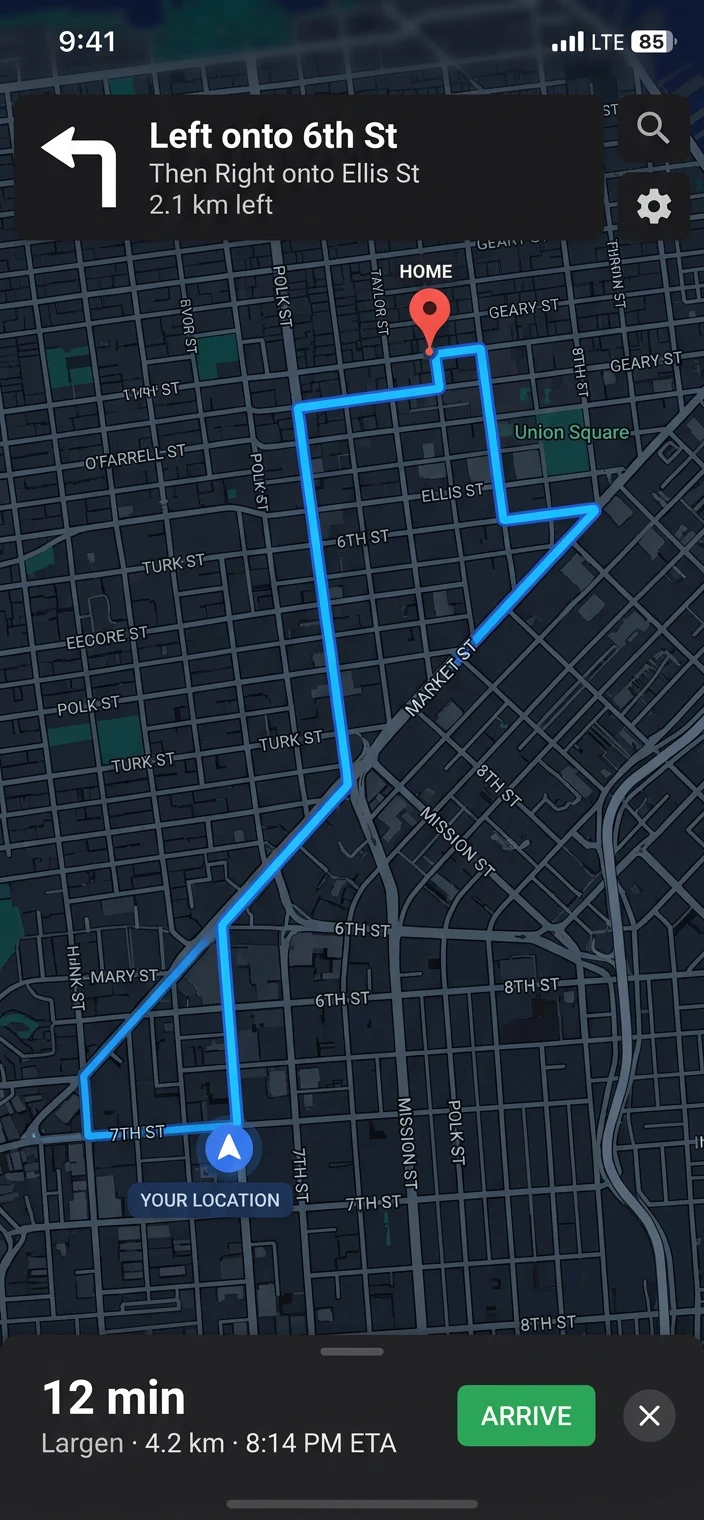
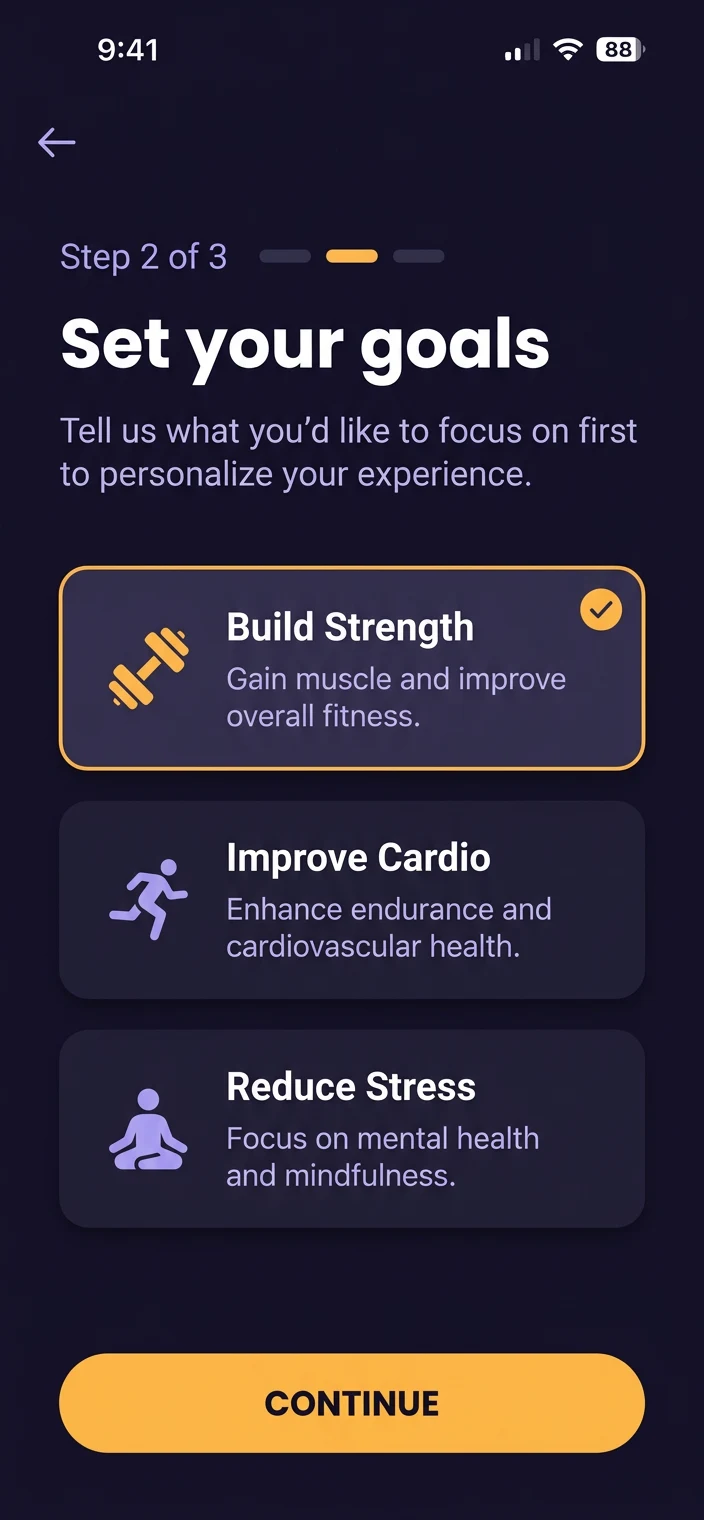
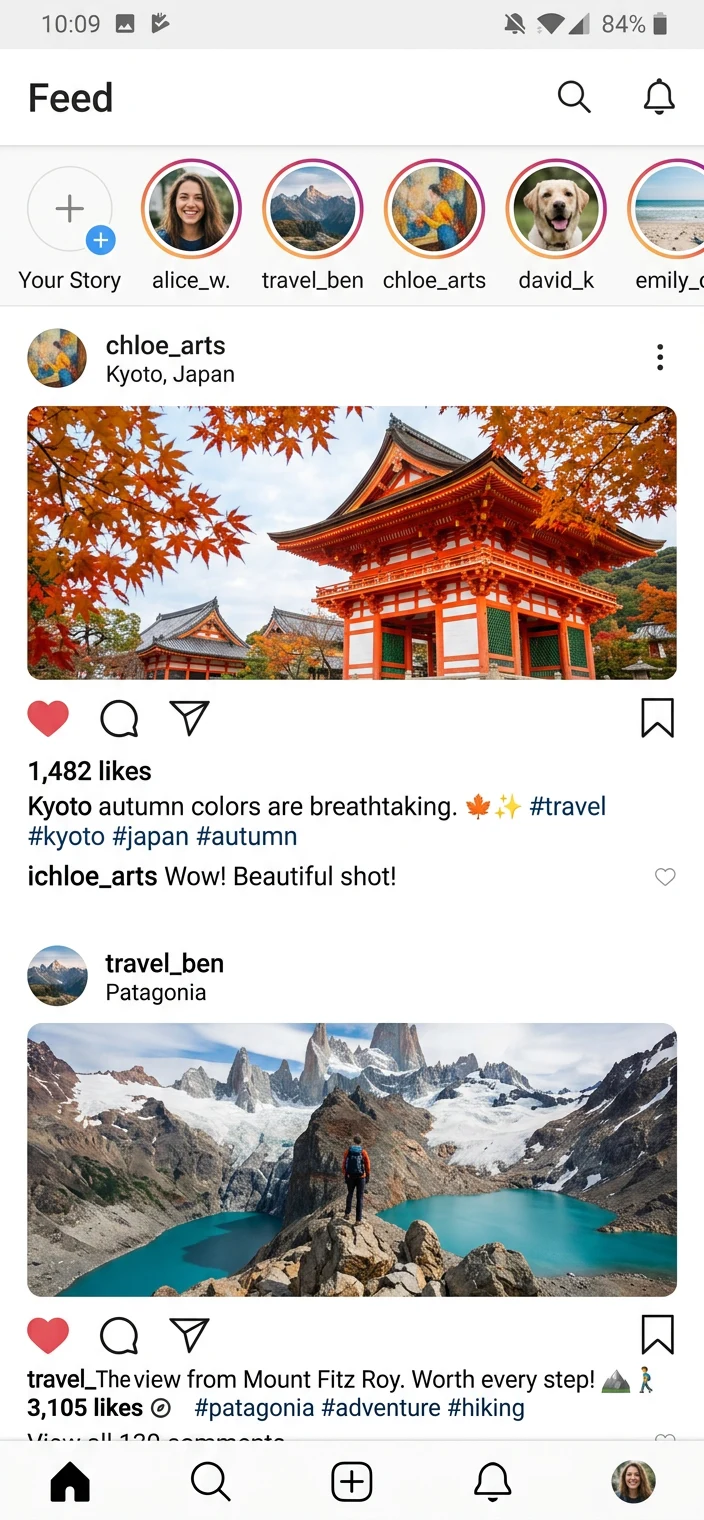
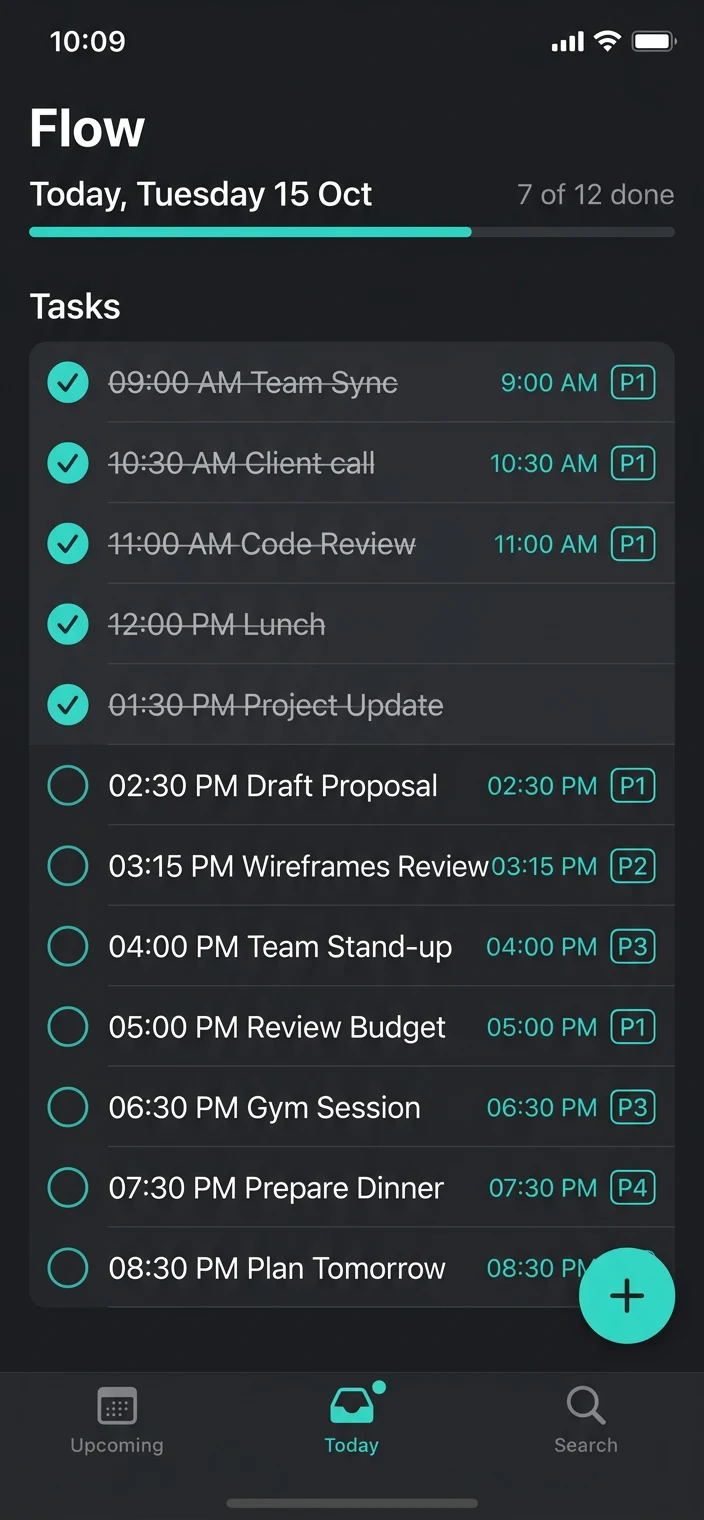
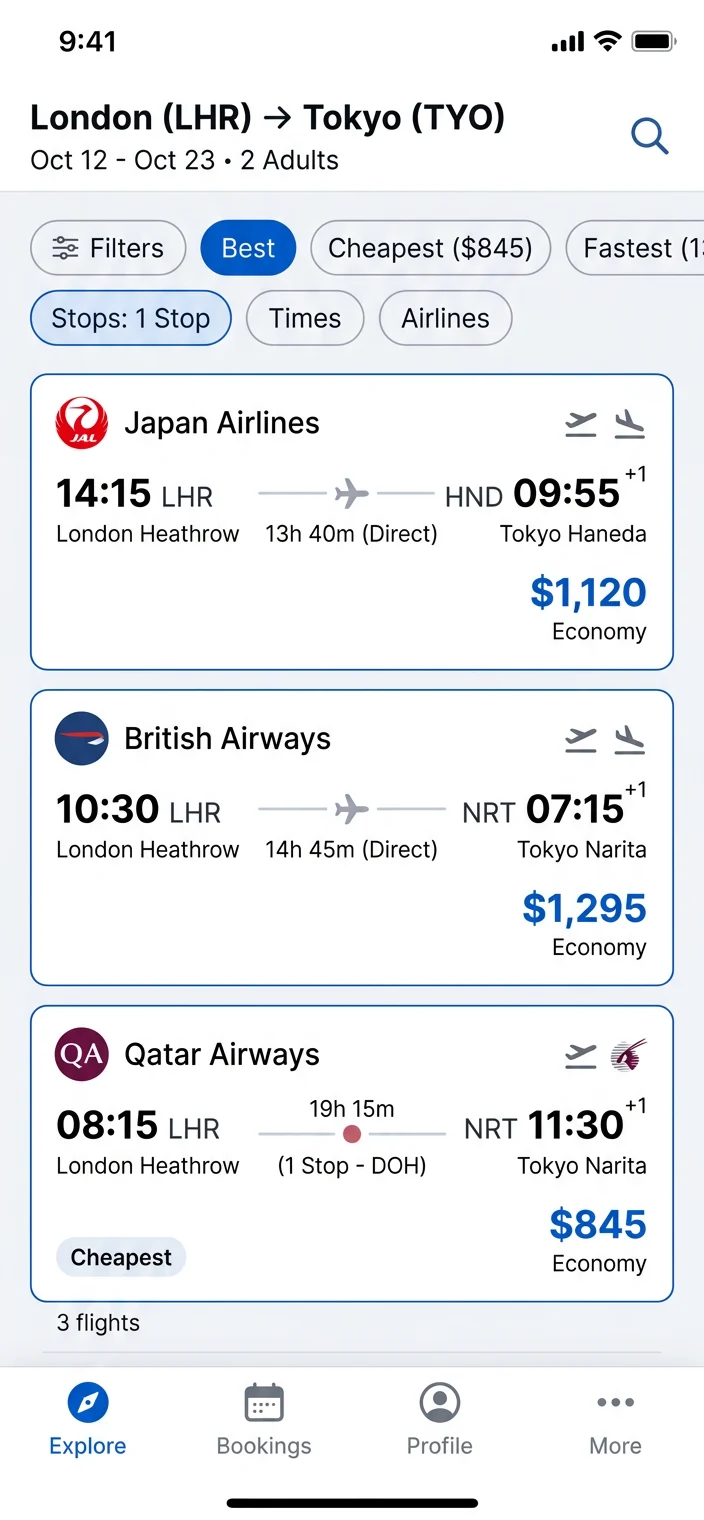
Try it on a real screenshot
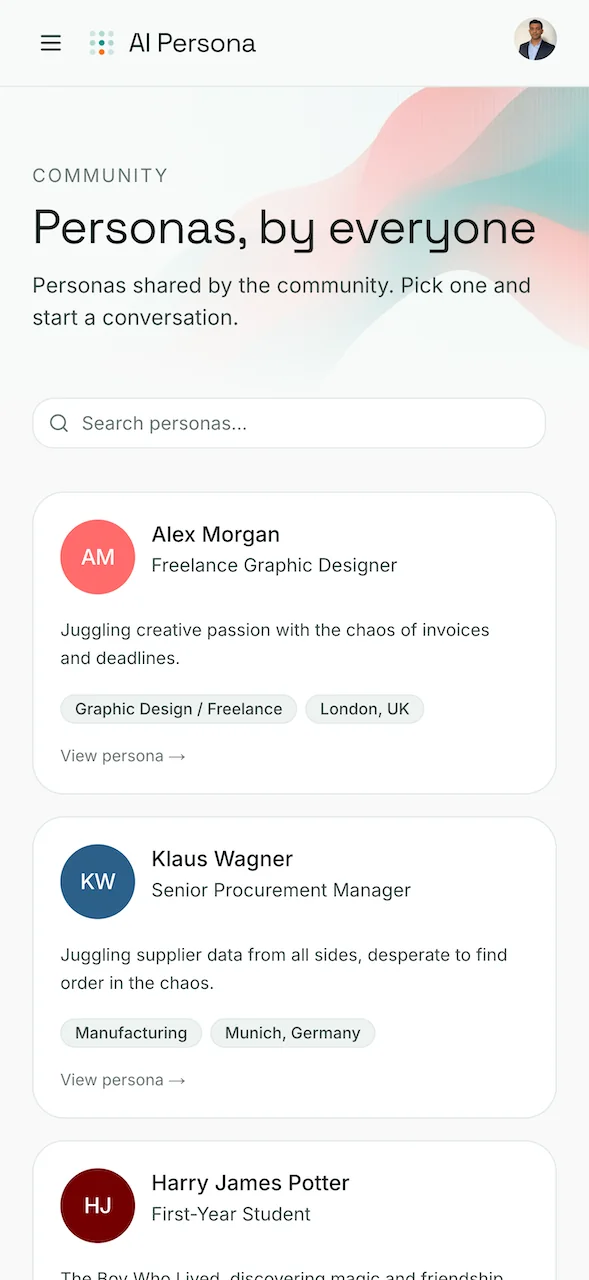
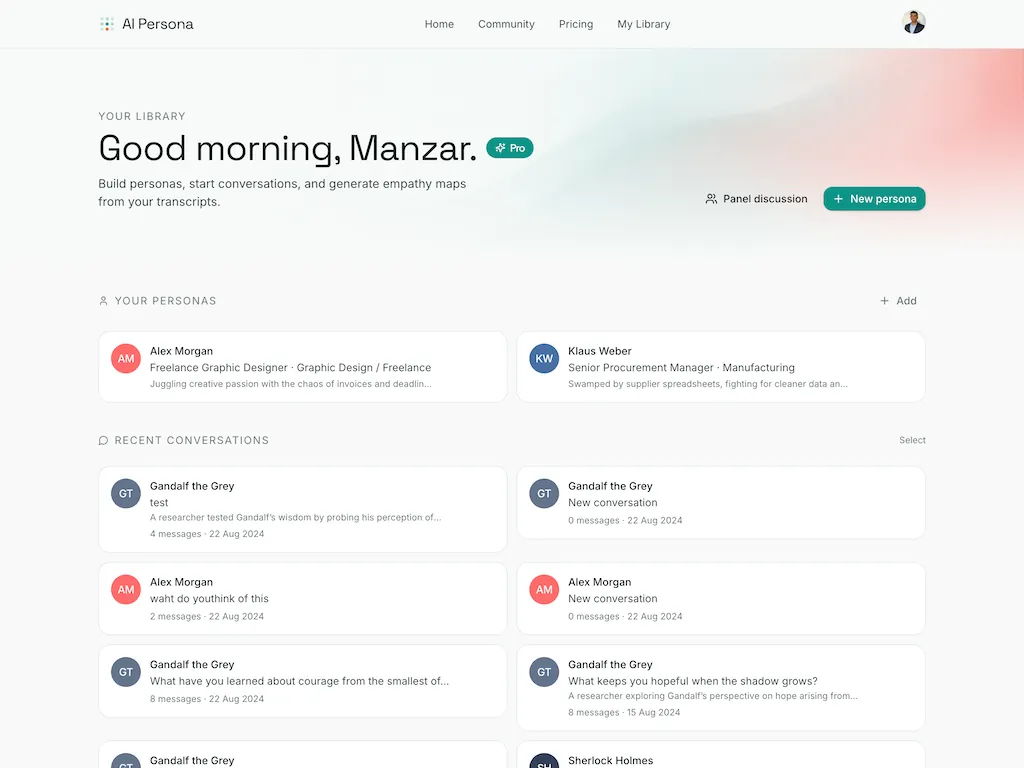
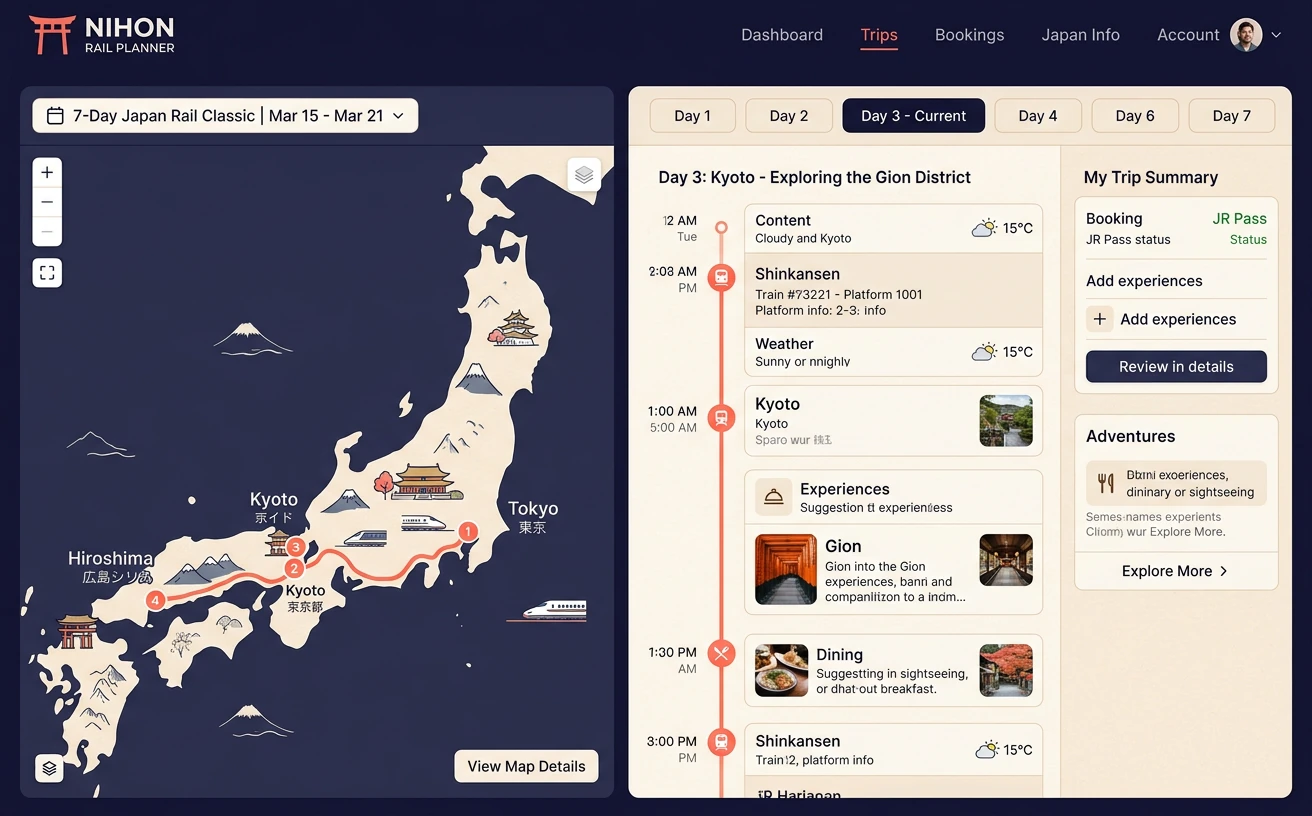
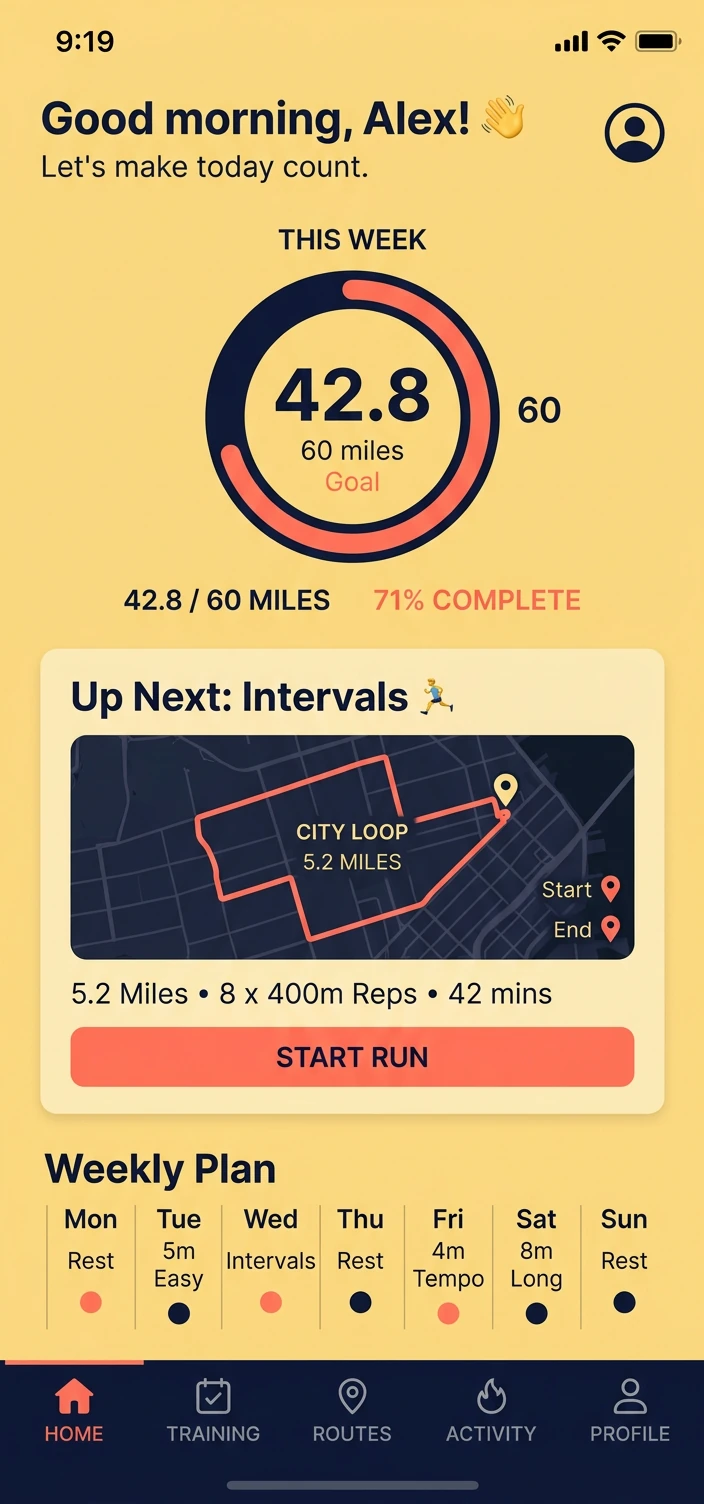
Open any sample in the editor — no upload needed.
Ready?
Make your next screenshot
look premium.
Free to use. No signup. No watermark. Open the editor and export in under a minute.